
Using Klaviyo segments for your WhatsApp campaigns lets you target your customers precisely, based on your store's behavioral data. This guide walks you through the full process, from the integration to analyzing your results.
Prerequisites
Before setting up your first campaign, connect your Klaviyo account to Kanal from Settings then Integrations. This connection lets Kanal sync your segments in real time.
Your campaign's WhatsApp template is created directly inside the campaign itself, in the next step. No preparation is needed beforehand.
Creating the campaign and the template
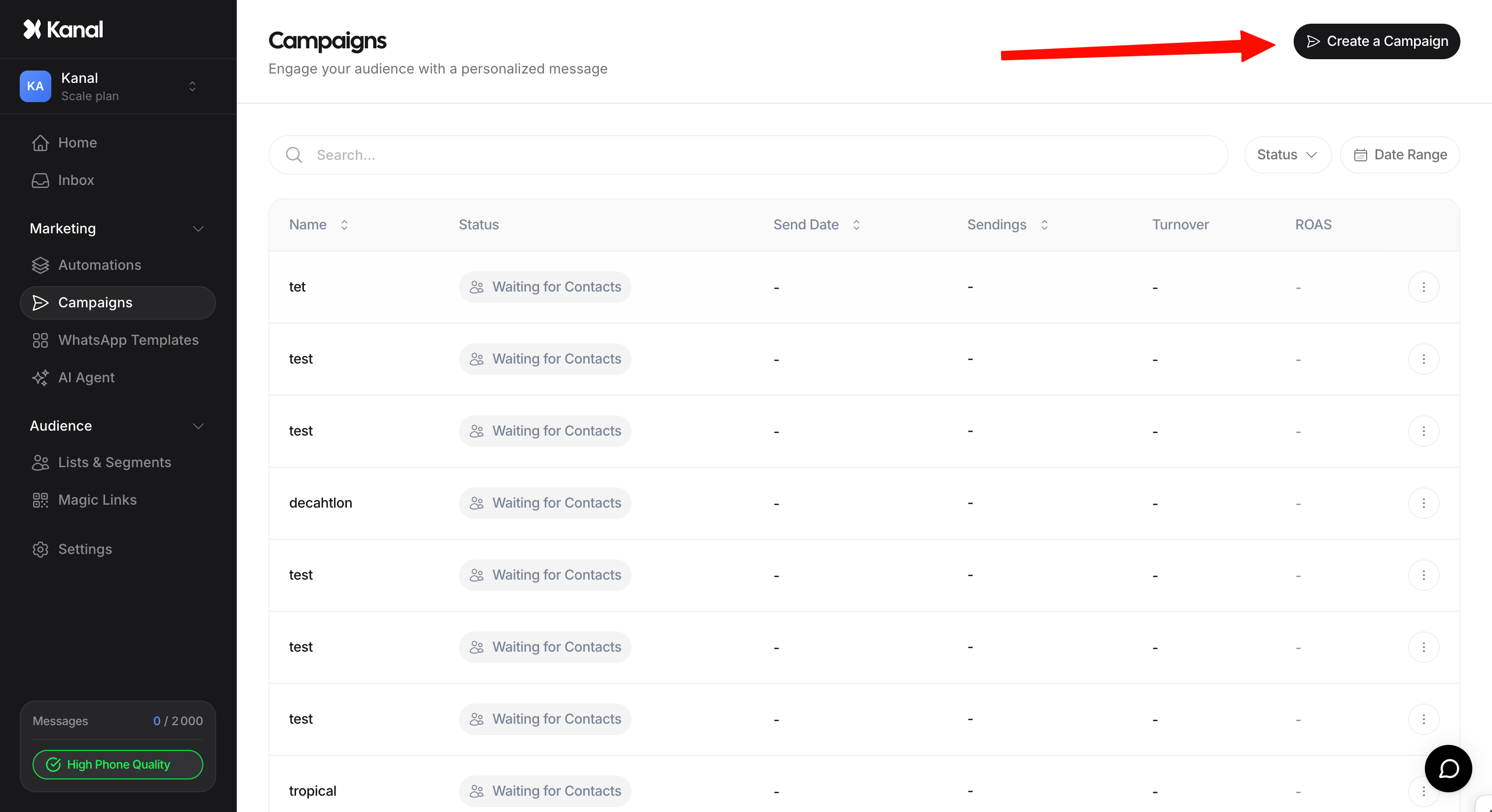
Go to the Campaign section in the sidebar and click the create button.
Give your campaign an internal name.
In the campaign flow, click Add an Action and add a WhatsApp Template node. Write your message, then click Submit to send it to Meta for approval. If you already have an approved template, select it via Create from existing approved template.
Once the template is approved, click Next to move on to audience selection.
Targeting and data mapping
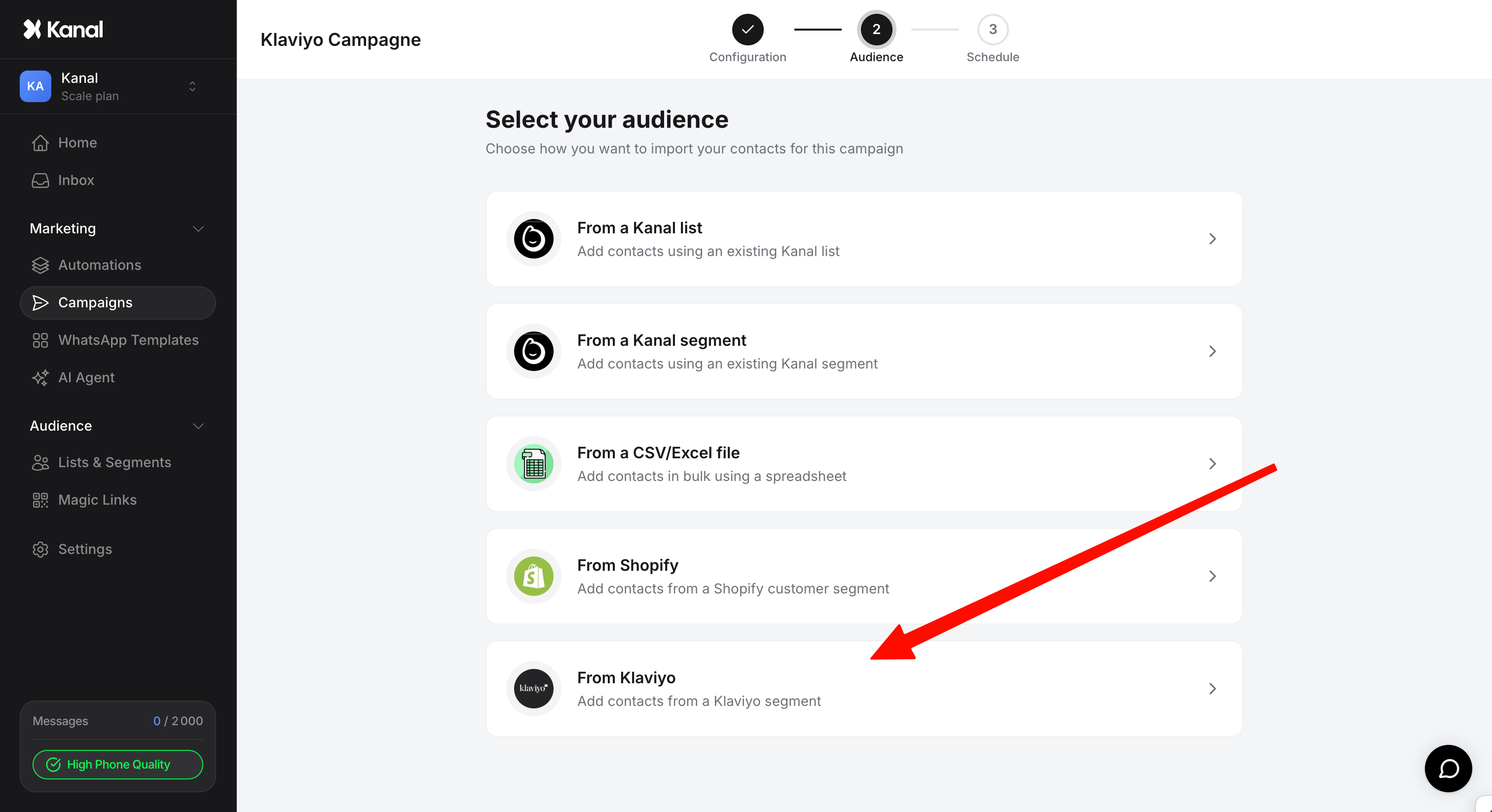
Select the source: choose From Klaviyo Segment. Kanal syncs with Klaviyo segments, not lists, to guarantee dynamic targeting.
Choose the segment: select the segment you want from the dropdown.
Variable mapping: if your template contains variables (first name, etc.), match each variable ({{1}}) with the corresponding Klaviyo segment column (First Name). Each message is then personalized automatically.
Optional: prepare replies to buttons
If your template contains interactive buttons, set up the associated automatic reply before sending:
Go to Automations and click Create Automation.
Choose the trigger tied to replies to that template.
Set up the rest of the flow (send a video, a link, a question). For videos, use MP4 under 16 MB.
Cost estimate and scheduling
Kanal displays a cost estimate before sending. Expect 5 to 10% of contacts to be unreachable (no WhatsApp account or opted out): the actual cost is usually below the maximum estimate.
You can send immediately or schedule the send for a specific date and time.
Analyzing results
Tracking is available in two places: each campaign's detail in the Campaign tab (sends, revenue, ROI), and the Home dashboard to compare your campaigns over time.
Launch a campaign with the new Builder (April 2026)